
Table-aware ordering
Every QR code is linked to a table.
Guests scan, order, and track from their table while your team manages orders in one live queue.
Eligible restaurants get 30 days free · Card required at checkout · ₱0 today if eligible
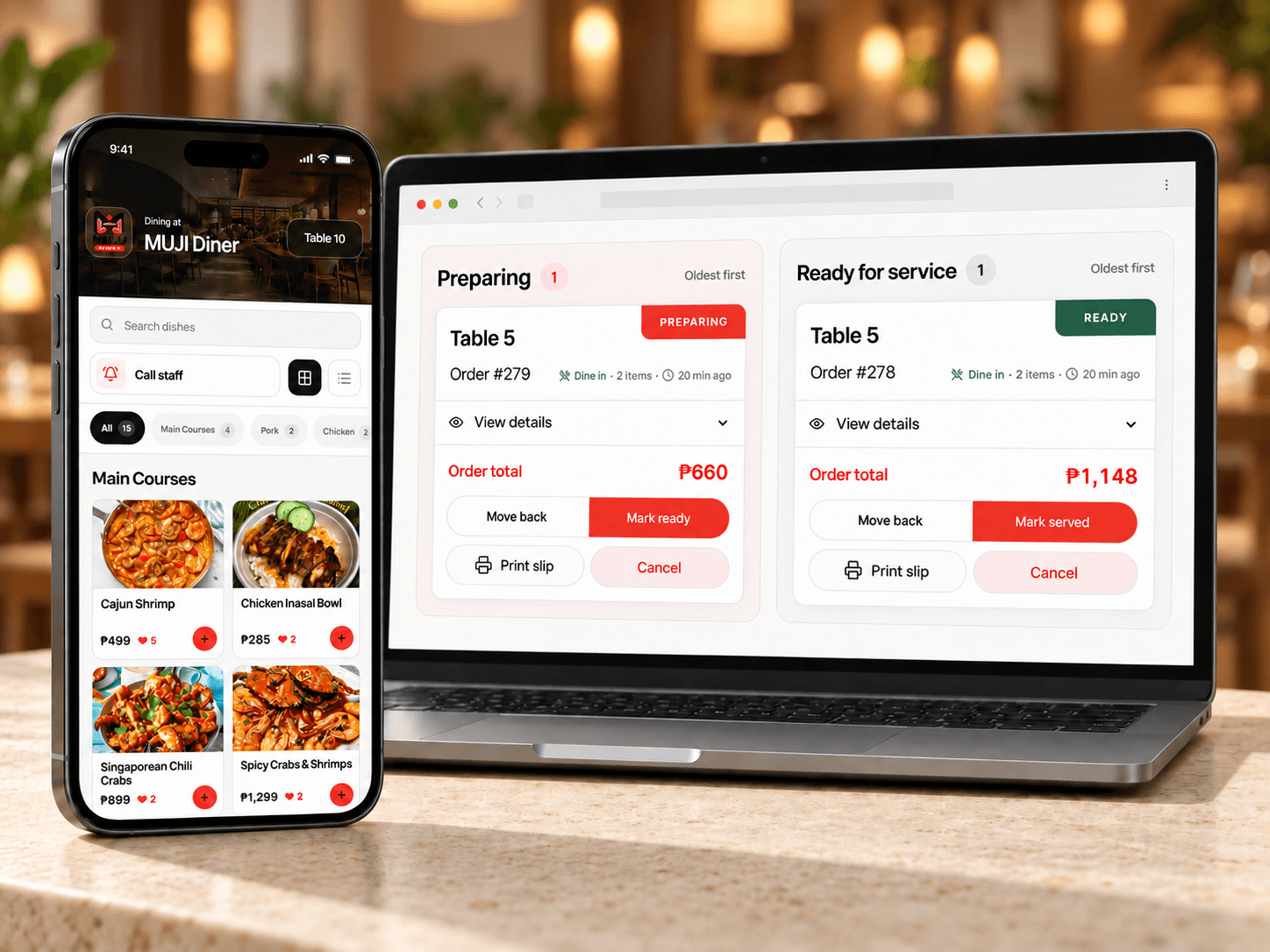
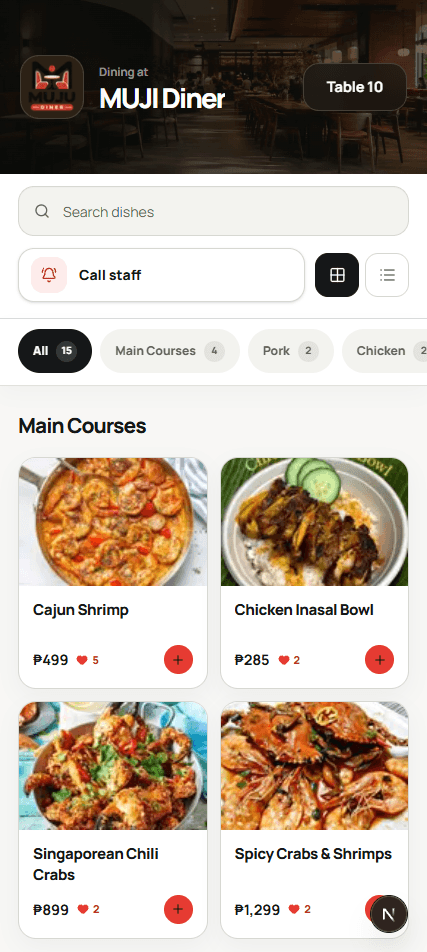
One clear path from the guest's phone to your team.
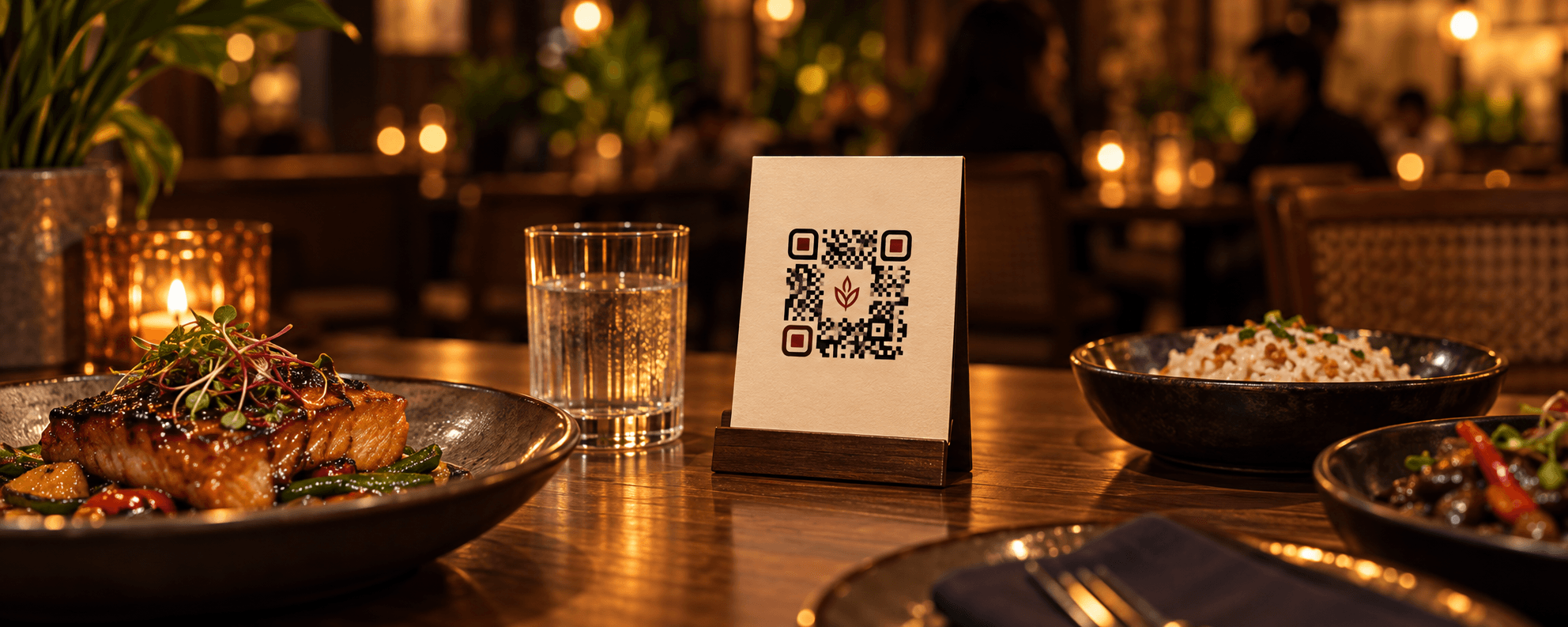
Guests scan the QR code at their table.
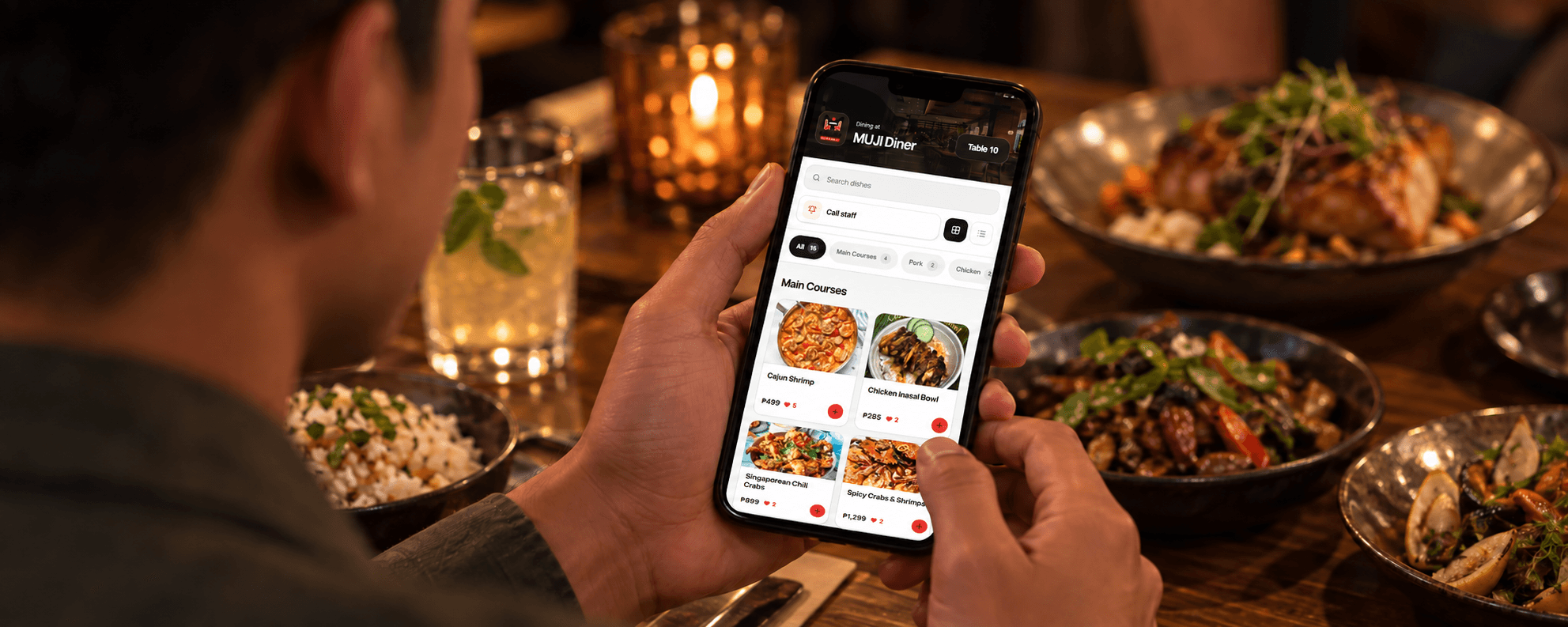
They browse the menu and place an order.
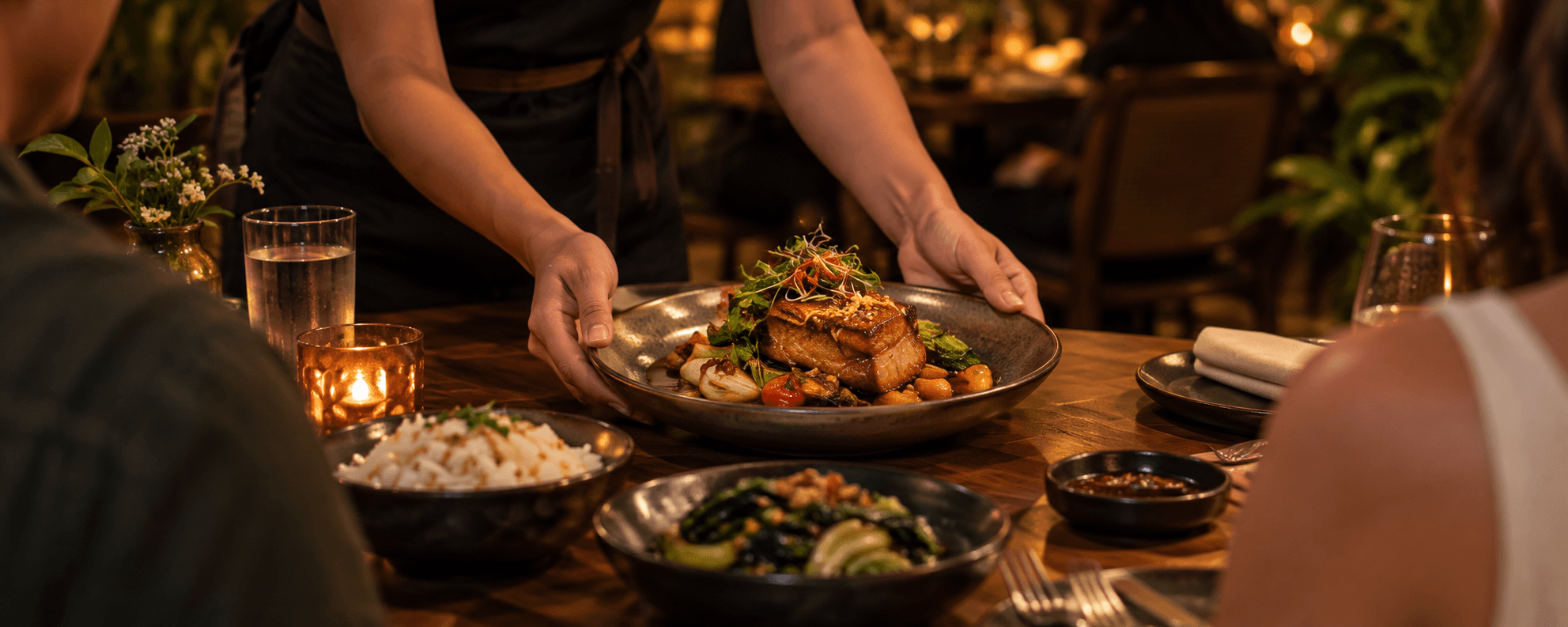
Your team receives it, prepares it, and serves it.
Guests browse your menu, customize an order, place it from their table, and track its status—without downloading an app.
 Based on demo screen
Every table order appears in one place, so your team can see what's new, what's preparing, and what's ready.
 Based on demo screen
Every QR code is linked to a table.
See new, preparing, and ready orders in real time.
Guests can request the bill from their phone.
Update items, prices, photos, and availability.
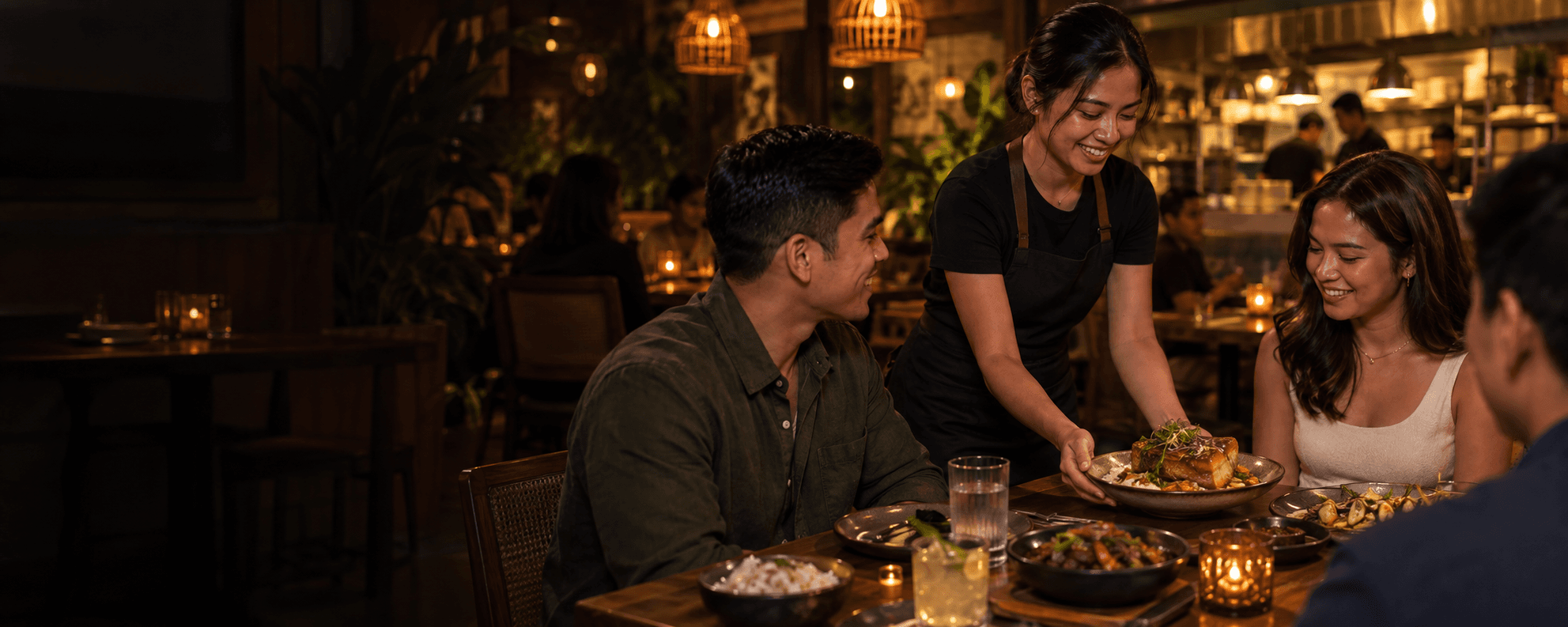
Orders go from each table to one live queue, so your team can spend less time passing requests around and more time looking after guests.
30-day free trial for eligible restaurants
Add a card at checkout. Eligible accounts pay ₱0 today; your selected plan renews at its displayed price after 30 days unless you cancel first.
Core QR ordering and restaurant operations for growing teams.
₱1,499≈₱1,249per month, billed annually
Billed ₱14,990 yearly after the trial
Save ₱2,998 per year
Review trial eligibility and your billing details before checkout.
Higher capacity, advanced reporting, and exports for busy restaurants.
₱2,499≈₱2,083per month, billed annually
Billed ₱24,990 yearly after the trial
Save ₱4,998 per year
Review trial eligibility and your billing details before checkout.
NomoQR set up around your restaurant's needs.
Custom quote
Start with Pro. Tell us what you want to customize and we'll agree on the scope and price.
Popular requests
Need a POS connection or a special report? We can review that too.
Get a quote · team@nomoqr.com
No. Guests scan the QR code and order directly from their phone browser.
Yes. Each table's QR code opens the right restaurant menu with the table already identified.
Orders arrive in a shared restaurant queue. Your team confirms them, prepares them in the kitchen, and marks them ready and served.
Yes. Your team can edit items, prices, photos, and availability in the restaurant workspace.
Yes. Guests can send a bill request from their table. Your team sees the request and collects payment using its existing process.
Create your account, confirm your email if prompted, then choose a plan and add a card for the trial. Add your menu and tables next. Setup time depends on your menu size.
The 30-day trial starts after card checkout. You pay ₱0 today; your chosen plan renews at its displayed price after the trial unless you cancel first.
Guests use their own phones. Your team needs a supported browser and a reliable internet connection; the core ordering flow does not require a dedicated kiosk.
Create your restaurant account, add your menu and table QR codes, then manage orders in one live queue.
30-day free trial for eligible restaurants · Card required at checkout · ₱0 today if eligible